网页制作中应用的50个CSS技巧(国外)
脚本之家
网页制作Webjx文章简介:CSS is almost certainly one of the best developments in web design since the first graphical web browsers were adopted on a wide scale. Where tables created clunky, slow-loading pages, CSS created much more streamlined and usable web pages. Plus, CSS Smart Columns with CSS and jQuery
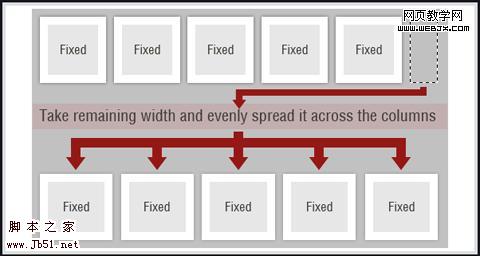
This tutorial shows how to create smart columns inside liquid layouts using a combination of CSS and jQuery. Basically, it fits as many columns into the base column size as possible and then distributes any leftover white space among the columns there. A very elegant solution if you want to allow for a variable number of columns without ending up with a bunch of leftover white space in your design.
CSS Hack for Chrome, Safari and Internet Explorer
This tutorial shows how to apply different style sheets based on the browser your visitors are using (at least in IE5-8, Google Chrome, and Safari 1-4). A very valuable technique if you want to use styles only supported in certain browsers without making your site look bad in unsupported browsers. 3. Menu and Navigation Customizations
Menu and navigation styles can really set your site apart if done well. Just remember, menus need to remain usable and functional no matter how they look. Overlap That Menu!
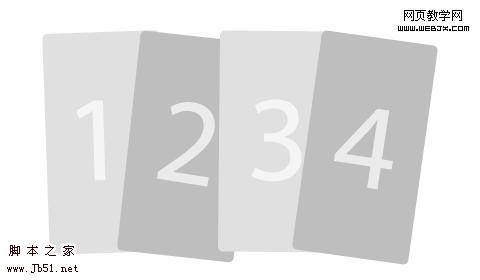
Have you ever wanted to create menu items that overlap? This relatively-simple tutorial shows you how to do just that using unique classes for your menu items. It also tells how to reorder the navigation items using the z-index. It’s a nice effect that isn’t difficult to achieve.
Super Awesome Buttons with CSS3 and RGBA
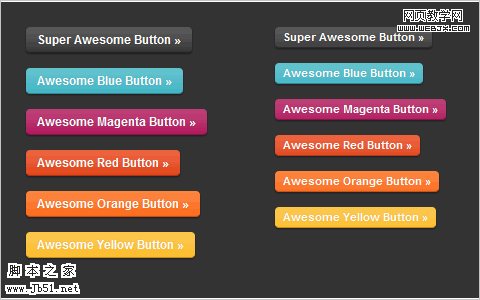
With a little CSS3 magic, you can created a scalable set of sexy buttons with nearly half the CSS it would have taken with hex colors. Give it a go in your next project and see how it can help add that extra polish you want without huge impact on your code.
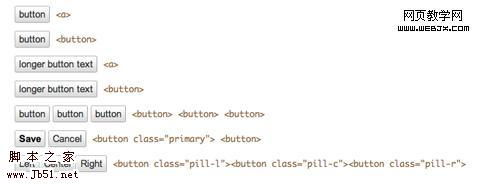
Custom Buttons 3.0
This page shows a variety of rounded-corner (1px radius) buttons that don’t use images (other than for the optional background gradient). Just look at the source code for the page to see how it’s done.
Centered Tabs with CSS
This tutorial provides an alternative to the sliding doors method of creating tabs in CSS that allows tabs to be centered instead of only right- or left-aligned. It’s a multi-step tutorial but isn’t complicated.
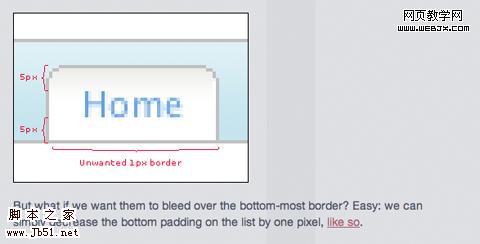
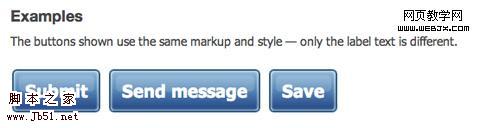
Styling the Button Element with CSS Sliding Doors
An updated tutorial on sliding doors buttons that now includes creating them with CSS image sprites. It’s also been simplified to work with a single block of CSS in all the major browsers (including IE 6-8). The markup is simple and straight-forward and the end result is perfect.