
使用Docker部署OpenClaw汉化中文版的全过程
猫头虎
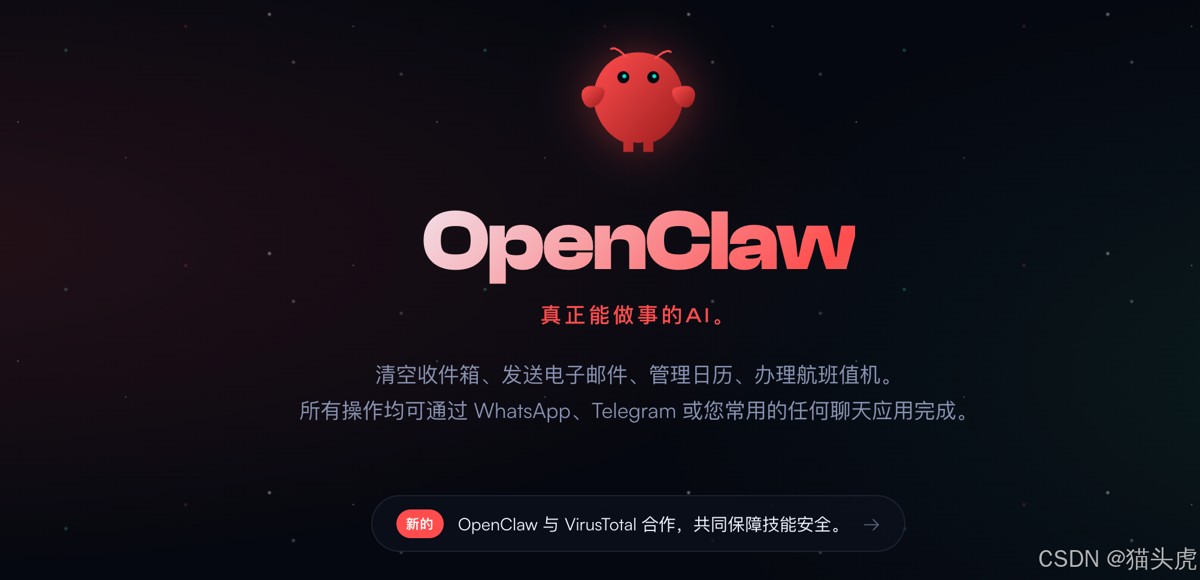
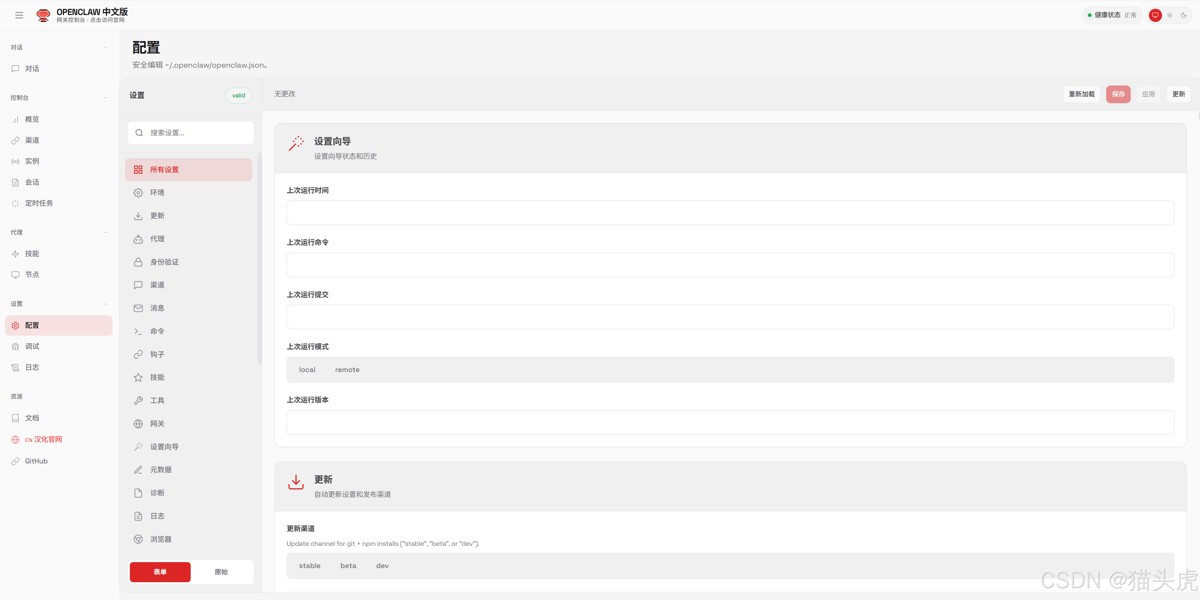
本文档详细介绍如何使用 Docker 部署 OpenClaw 汉化中文版。
一键部署脚本(推荐)
自动完成初始化、配置远程访问、启动容器:
# Linux / macOS
curl -fsSL https://cdn.jsdelivr.net/gh/1186258278/OpenClawChineseTranslation@main/docker-deploy.sh | bash
# Windows PowerShell
irm https://cdn.jsdelivr.net/gh/1186258278/OpenClawChineseTranslation@main/docker-deploy.ps1 | iex
本地快速启动
适用于在本机运行并通过 localhost 访问:
# 1. 初始化配置(首次运行)
docker run --rm -v openclaw-data:/root/.openclaw \
  ghcr.io/1186258278/openclaw-zh:latest openclaw setup

docker run --rm -v openclaw-data:/root/.openclaw \
  ghcr.io/1186258278/openclaw-zh:latest openclaw config set gateway.mode local

# 2. 启动容器
docker run -d \
  --name openclaw \
  -p 18789:18789 \
  -v openclaw-data:/root/.openclaw \
  ghcr.io/1186258278/openclaw-zh:latest \
  openclaw gateway run
访问:http://localhost:18789
服务器远程部署
部署到服务器并从其他设备访问时,需要额外配置:
# 1. 创建数据卷
docker volume create openclaw-data

# 2. 初始化配置
docker run --rm -v openclaw-data:/root/.openclaw \
  ghcr.io/1186258278/openclaw-zh:latest openclaw setup

# 3. 配置远程访问参数
docker run --rm -v openclaw-data:/root/.openclaw \
  ghcr.io/1186258278/openclaw-zh:latest openclaw config set gateway.mode local

docker run --rm -v openclaw-data:/root/.openclaw \
  ghcr.io/1186258278/openclaw-zh:latest openclaw config set gateway.bind lan

# 4. 设置访问令牌(推荐)
docker run --rm -v openclaw-data:/root/.openclaw \
  ghcr.io/1186258278/openclaw-zh:latest openclaw config set gateway.auth.token your-secure-token

# 5. 启动容器
docker run -d \
  --name openclaw \
  -p 18789:18789 \
  -v openclaw-data:/root/.openclaw \
  --restart unless-stopped \
  ghcr.io/1186258278/openclaw-zh:latest \
  openclaw gateway run
访问:http://服务器IP:18789 → 在 Dashboard 输入 token 连接
远程访问与 Token 认证
通过 HTTP 从非 localhost 访问时,浏览器会阻止设备身份验证(Web Crypto API 需要 secure context)。
推荐解决方案:设置 Token 认证
# 1. 设置访问令牌
docker exec openclaw openclaw config set gateway.auth.token YOUR_TOKEN
docker restart openclaw

# 2. 在浏览器访问远程地址
http://服务器IP:18789/overview

# 3. 在「网关令牌」输入框填入 YOUR_TOKEN,点击「连接」
设置 gateway.auth.token 后,即使通过远程 HTTP 访问,只要在 Dashboard 输入正确的 token 就能连接成功。
其他解决方案对比:
| 方案 | 说明 | 适用场景 |
|---|---|---|
| 设置 Token | 设置 gateway.auth.token,Dashboard 输入 token | 内网(最简单) |
| SSH 端口转发 | ssh -L 18789:127.0.0.1:18789 user@server | 更安全 |
| Tailscale Serve | 自动 HTTPS 访问 | 跨网络访问 |
| Nginx + HTTPS | 配置 SSL 证书反向代理 | 生产环境 |
Nginx + HTTPS 反向网络
如果使用 Nginx 等反向网络,需要额外配置 gateway.trustedProxies,否则会提示 Proxy headers detected from untrusted address。
1. 配置 OpenClaw 信任代理地址
# Docker 环境
docker exec openclaw openclaw config set gateway.trustedProxies '["127.0.0.1", "::1"]'
docker restart openclaw

# npm 安装环境
openclaw config set gateway.trustedProxies '["127.0.0.1", "::1"]'
openclaw gateway restart
如果 Nginx 和 OpenClaw 在不同服务器,将
127.0.0.1替换为 Nginx 服务器的 IP 地址。
2. Nginx 配置示例
# /etc/nginx/sites-available/openclaw
server {
    listen 443 ssl http2;
    server_name oc.example.com;
    # SSL 证书配置(推荐使用 Let's Encrypt)
    ssl_certificate /etc/letsencrypt/live/oc.example.com/fullchain.pem;
    ssl_certificate_key /etc/letsencrypt/live/oc.example.com/privkey.pem;
    # SSL 安全配置
    ssl_protocols TLSv1.2 TLSv1.3;
    ssl_ciphers ECDHE-ECDSA-AES128-GCM-SHA256:ECDHE-RSA-AES128-GCM-SHA256;
    ssl_prefer_server_ciphers off;
    location / {
        proxy_pass http://127.0.0.1:18789;
        proxy_http_version 1.1;
        # WebSocket 支持(必须)
        proxy_set_header Upgrade $http_upgrade;
        proxy_set_header Connection "upgrade";
        # 转发真实客户端信息
        proxy_set_header Host $host;
        proxy_set_header X-Real-IP $remote_addr;
        proxy_set_header X-Forwarded-For $proxy_add_x_forwarded_for;
        proxy_set_header X-Forwarded-Proto $scheme;
        # 超时配置
        proxy_read_timeout 86400;
        proxy_send_timeout 86400;
    }
}
# HTTP 重定向到 HTTPS
server {
    listen 80;
    server_name oc.example.com;
    return 301 https://$server_name$request_uri;
}
3. 启用配置
sudo ln -s /etc/nginx/sites-available/openclaw /etc/nginx/sites-enabled/
sudo nginx -t
sudo systemctl reload nginx
Docker Compose
项目提供了开箱即用的 docker-compose.yml:
# 下载配置文件
curl -fsSL https://cdn.jsdelivr.net/gh/1186258278/OpenClawChineseTranslation@main/docker-compose.yml -o docker-compose.yml

# 启动(首次会自动初始化)
docker-compose up -d
或手动创建 docker-compose.yml:
version: '3.8'
services:
  openclaw:
    image: ghcr.io/1186258278/openclaw-zh:latest
    container_name: openclaw
    ports:
      - "18789:18789"
    volumes:
      - openclaw-data:/root/.openclaw
    environment:
      - OPENCLAW_GATEWAY_TOKEN=your-secure-token
    restart: unless-stopped
volumes:
  openclaw-data:
自行构建镜像
# 1. 克隆汉化项目
git clone https://github.com/1186258278/OpenClawChineseTranslation.git
cd OpenClawChineseTranslation

# 2. 克隆上游源码
git clone https://github.com/openclaw/openclaw.git openclaw

# 3. 应用汉化
npm run cli -- apply

# 4. 构建 Docker 镜像
cd openclaw
docker build -t openclaw-zh:local .

# 5. 运行
docker run -d --name openclaw -p 18789:18789 \
  -v openclaw-data:/root/.openclaw openclaw-zh:local
常用命令
# 查看日志
docker logs -f openclaw

# 停止/重启容器
docker stop openclaw
docker restart openclaw

# 进入容器
docker exec -it openclaw sh

# 删除容器
docker stop openclaw && docker rm openclaw

# 查看配置
docker exec openclaw openclaw config get gateway

# 在容器内执行 OpenClaw 命令
docker exec openclaw openclaw --help
docker exec openclaw openclaw status
空间清理
Docker 镜像和容器会占用大量磁盘空间(OpenClaw 镜像约 4GB),建议定期清理:
# 查看 Docker 空间占用
docker system df

# 清理已停止的容器
docker container prune -f

# 清理未使用的镜像
docker image prune -f

# 清理构建缓存
docker builder prune -f

# 一键清理所有未使用资源(镜像、容器、网络、缓存)
docker system prune -a

# 连同未使用的数据卷一起清理(会删除数据,谨慎使用)
docker system prune -a --volumes
常见错误排查
| 错误信息 | 原因 | 解决方案 |
|---|---|---|
Gateway auth is set to token, but no token is configured | 需要 token 认证但未配置 | docker exec openclaw openclaw config set gateway.auth.token YOUR_TOKEN |
Missing config. Run openclaw setup | 未初始化配置 | docker exec openclaw openclaw setup |
control ui requires HTTPS or localhost | HTTP 远程访问被浏览器安全策略阻止 | 使用 Token 认证或配置 HTTPS 反向代理 |
Proxy headers detected from untrusted address | 反向代理地址未添加到信任列表 | docker exec openclaw openclaw config set gateway.trustedProxies '["127.0.0.1"]' |
pairing required | 新设备需要配对授权 | docker exec openclaw openclaw devices list 然后 devices approve <id> |
gateway token mismatch | Token 认证失败 | docker exec openclaw openclaw dashboard --print-url 获取带 token 的 URL |
| 容器启动后立即退出 | 缺少必要配置 | docker logs openclaw 查看日志 |
EACCES: permission denied | 数据卷权限问题 | 确保使用 named volume 而非 bind mount |
| Docker 拉取镜像提示 denied | 登录缓存问题 | docker logout ghcr.io 后重试 |
更新 Docker 镜像
# 1. 拉取最新镜像
docker pull ghcr.io/1186258278/openclaw-zh:latest

# 2. 停止并删除旧容器
docker stop openclaw && docker rm openclaw

# 3. 用新镜像启动(配置自动保留,存储在数据卷中)
docker run -d --name openclaw -p 18789:18789 \
  -v openclaw-data:/root/.openclaw \
  --restart unless-stopped \
  ghcr.io/1186258278/openclaw-zh:latest \
  openclaw gateway run
总结
恭喜! 至此,你已经成功掌握了 OpenClaw 汉化版的完整 Docker 部署方案。
从本地快速启动到服务器远程部署,从 Token 认证到 Nginx HTTPS 反向代理,再到日常的空间清理和故障排查——你现在拥有了一个完全自主可控的中文 AI 助手。无论是个人使用还是团队协作,OpenClaw 的多平台支持和自动化同步机制都能满足你的需求。
以上就是使用Docker部署OpenClaw汉化中文版的全过程的详细内容,更多关于Docker部署OpenClaw汉化中文版的资料请关注脚本之家其它相关文章!